RPG Dice: Heroes of Whitestone
Disclaimer
Public media used, technical details from memory and shipped features.
About
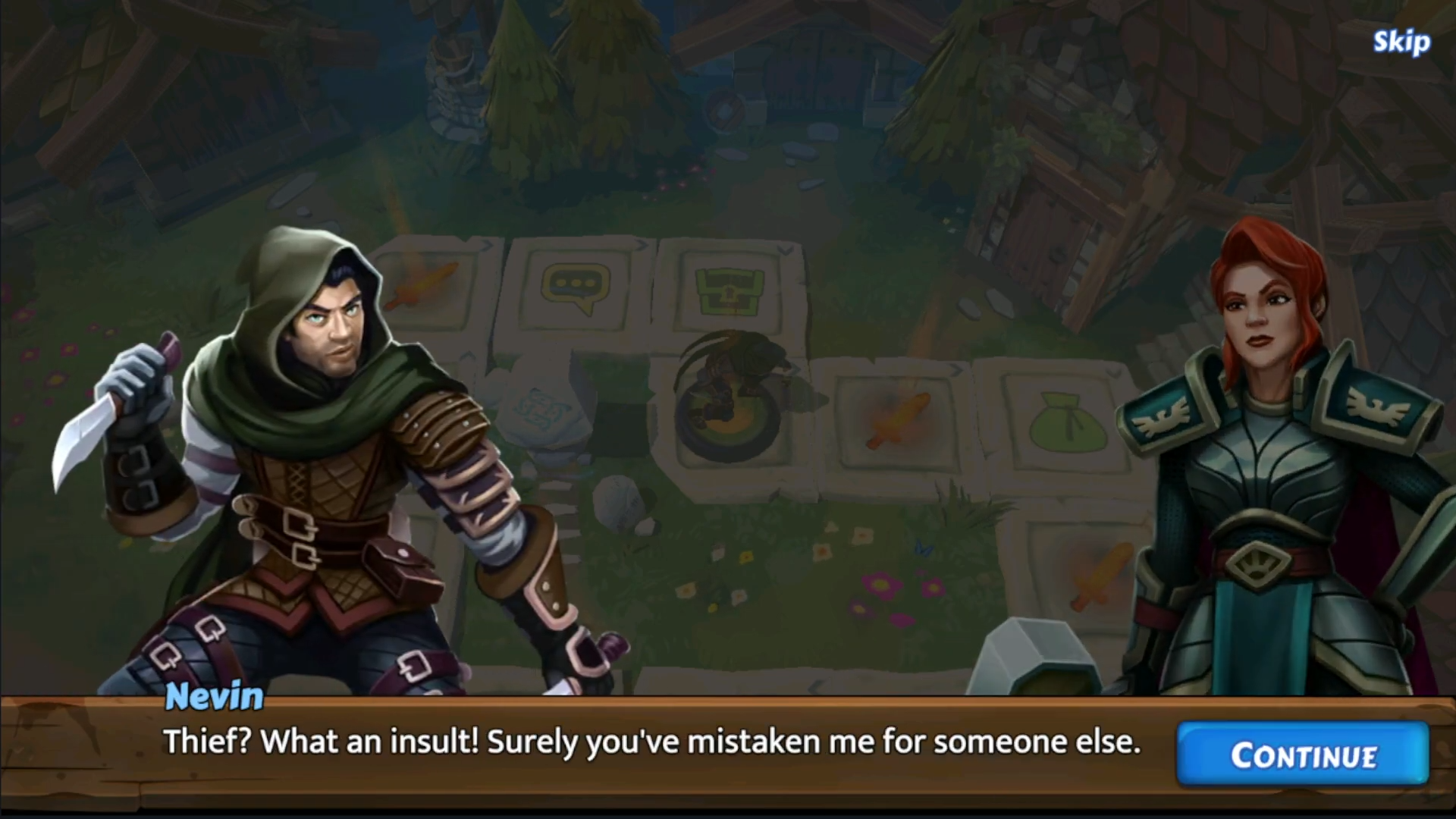
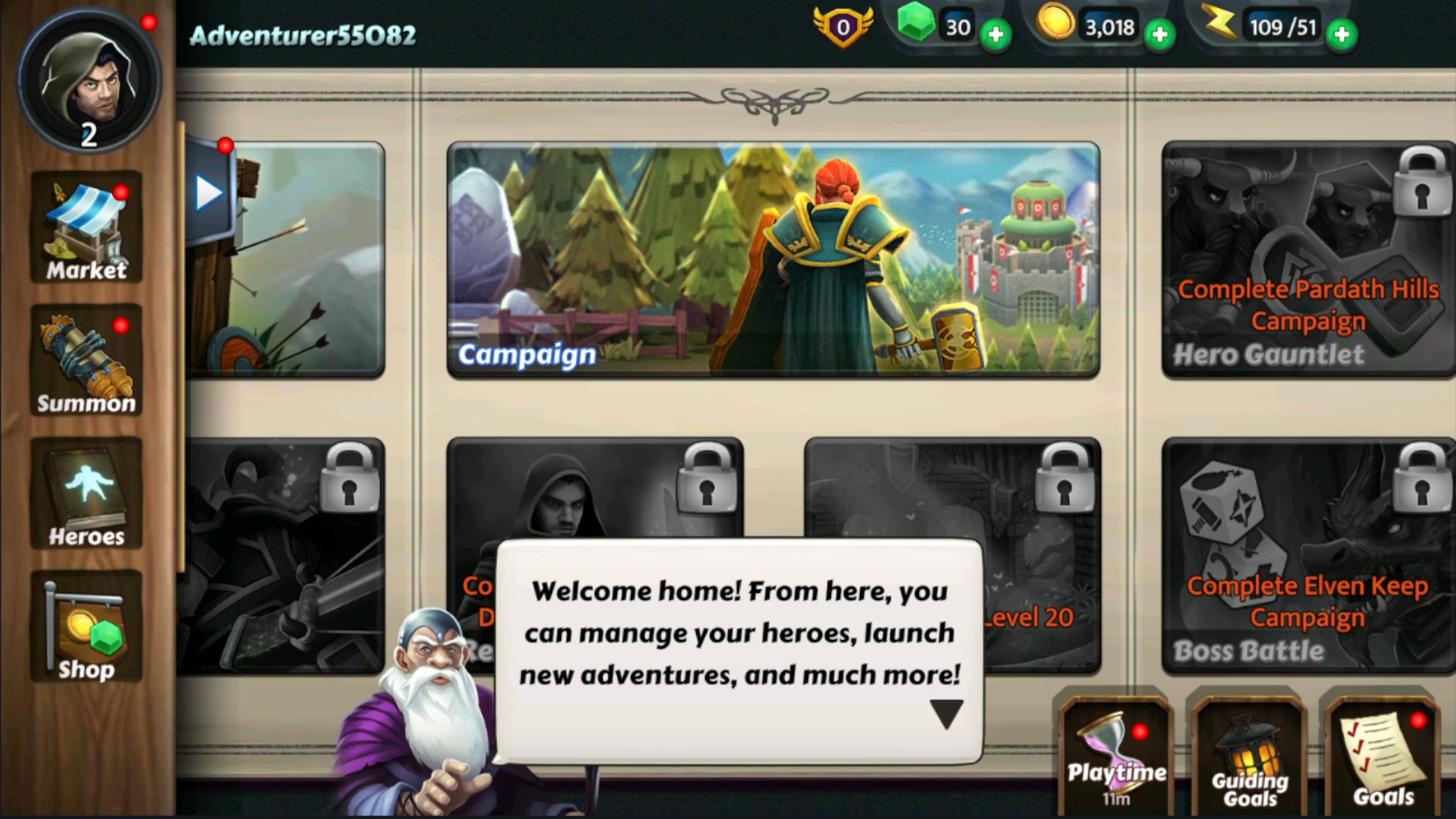
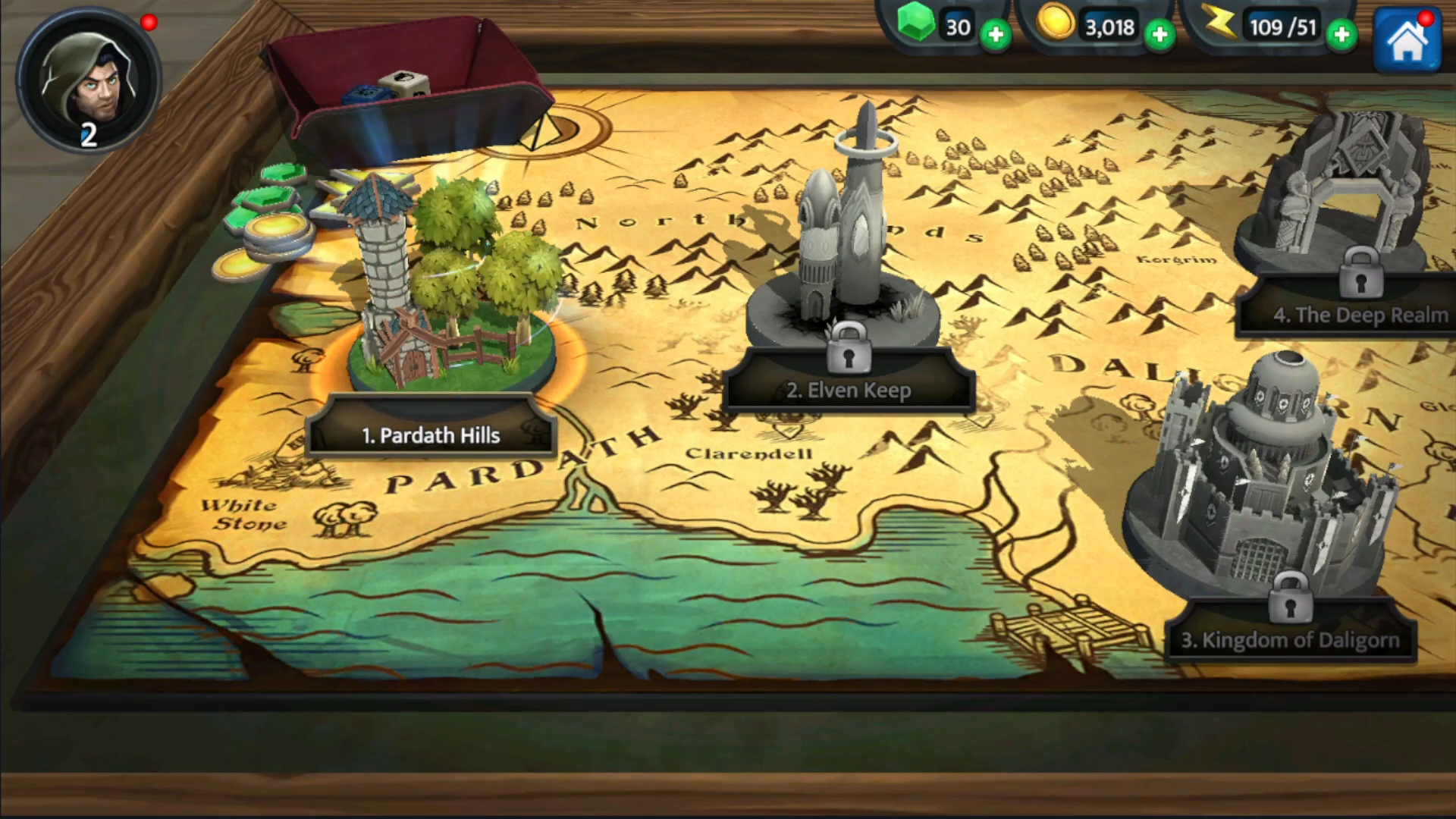
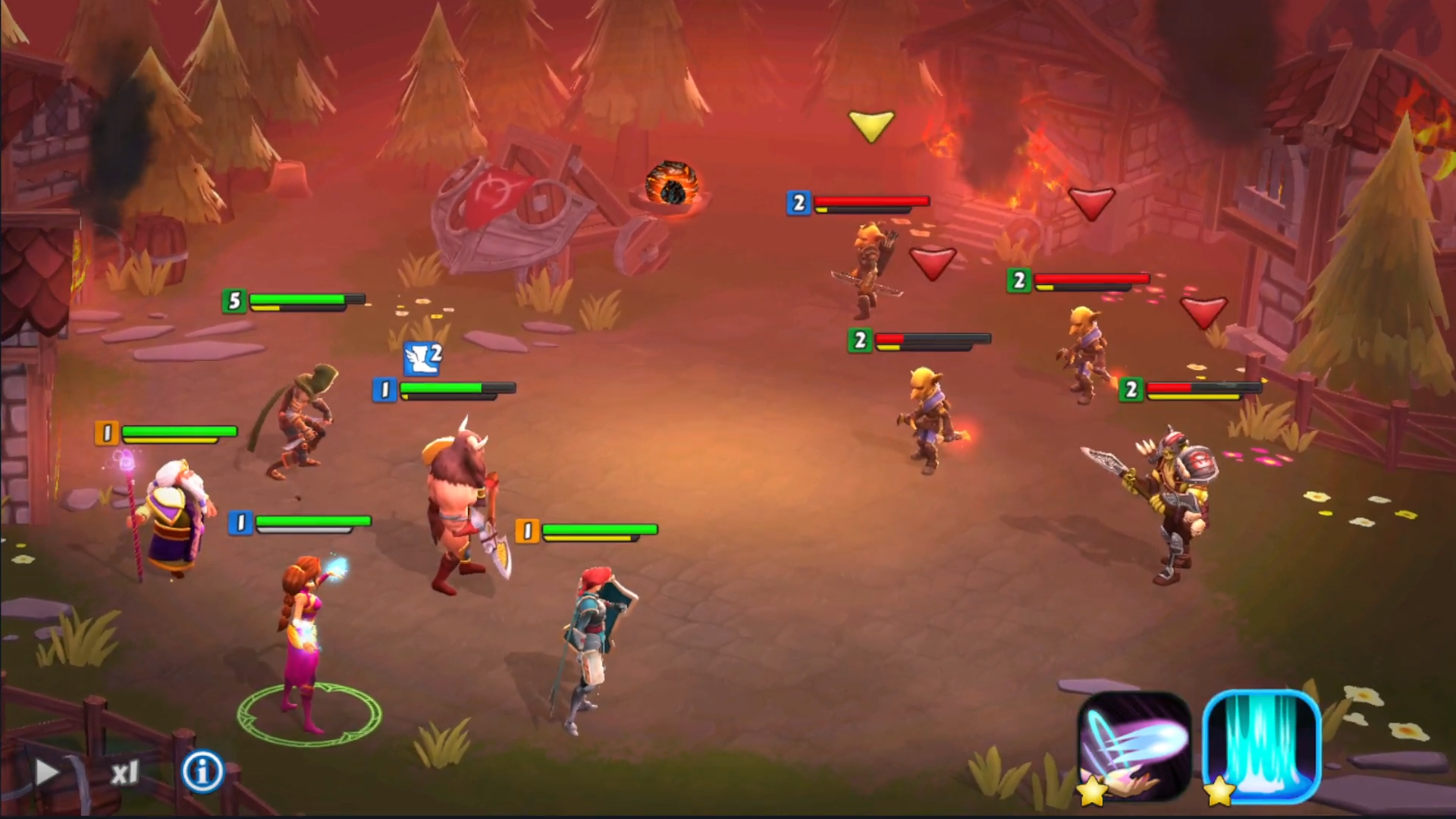
Mobile tactical RPG with board-game campaign progression, dice-rolling combat, gear/team loadouts, strategic card plays, and hero upgrades.
Professional UI engineering at WIMO Games during 2022 launch.
More Details from a blog by Tom Purdue, Game Designer
Link to APKCombo
My Works
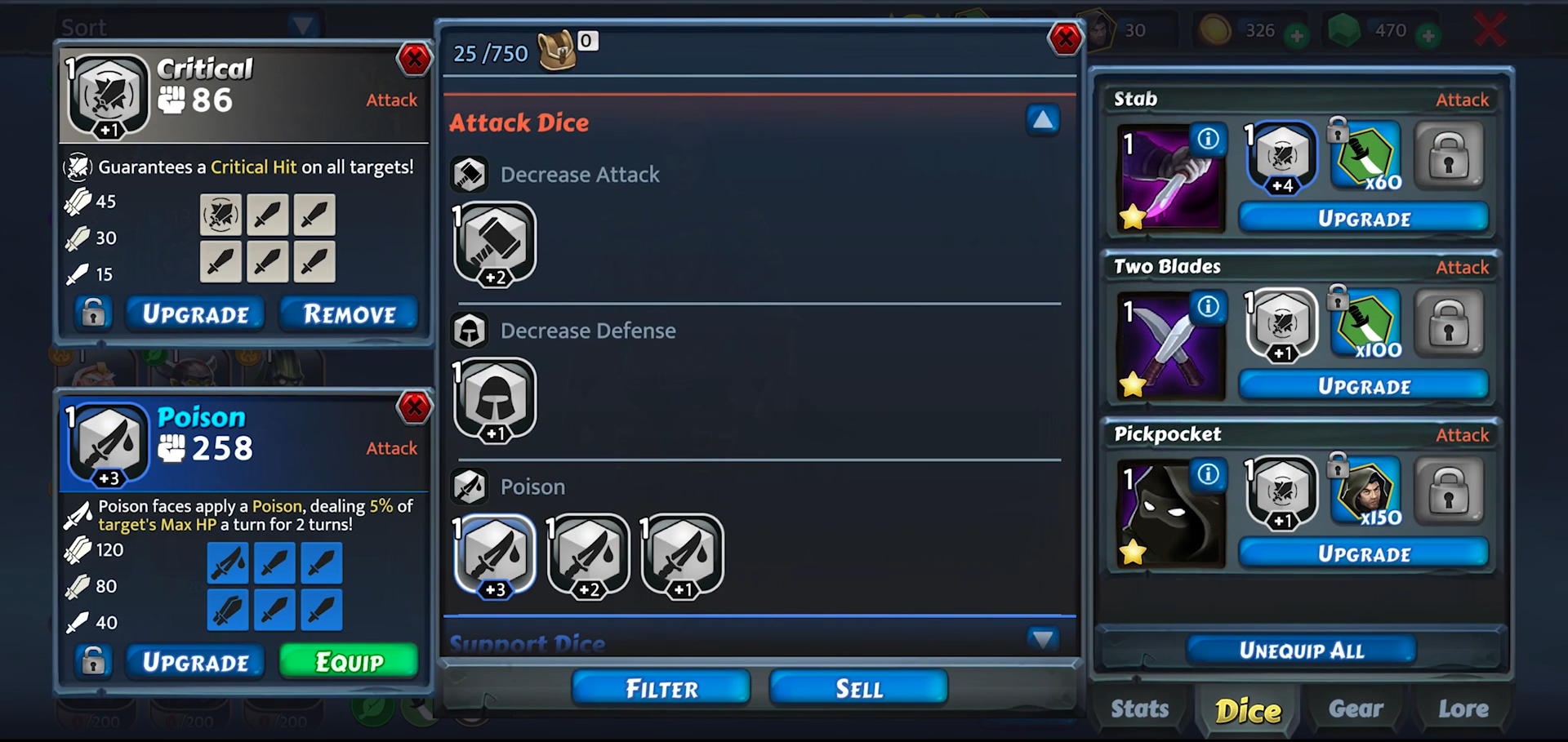
- Events & Gear Inventory UI: Hooked up event screens and per-character gear loadouts in Unity/C#, showing swappable gear per slot with visual previews.
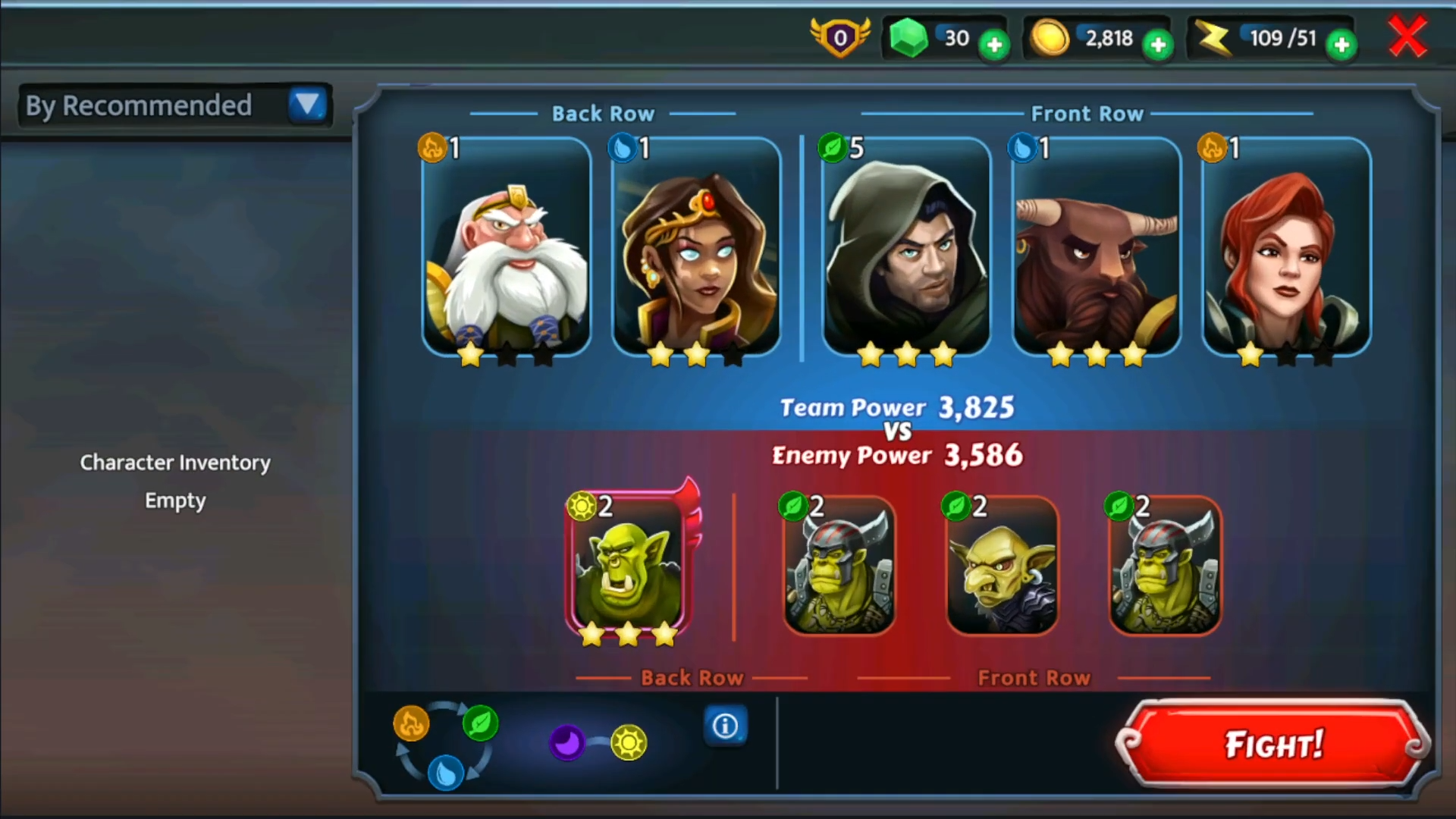
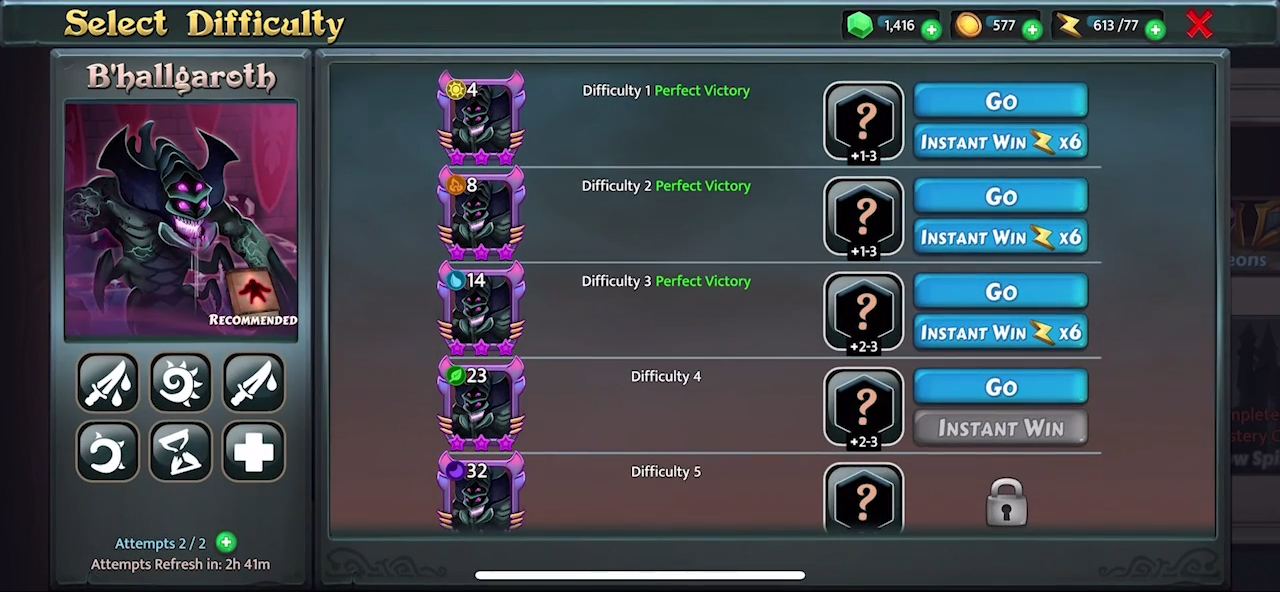
- Combat Loadout UI: Built strategic placement screen for Combat Tiles (front/back row positioning), calculating and displaying total team power from levels, gear, and dice.
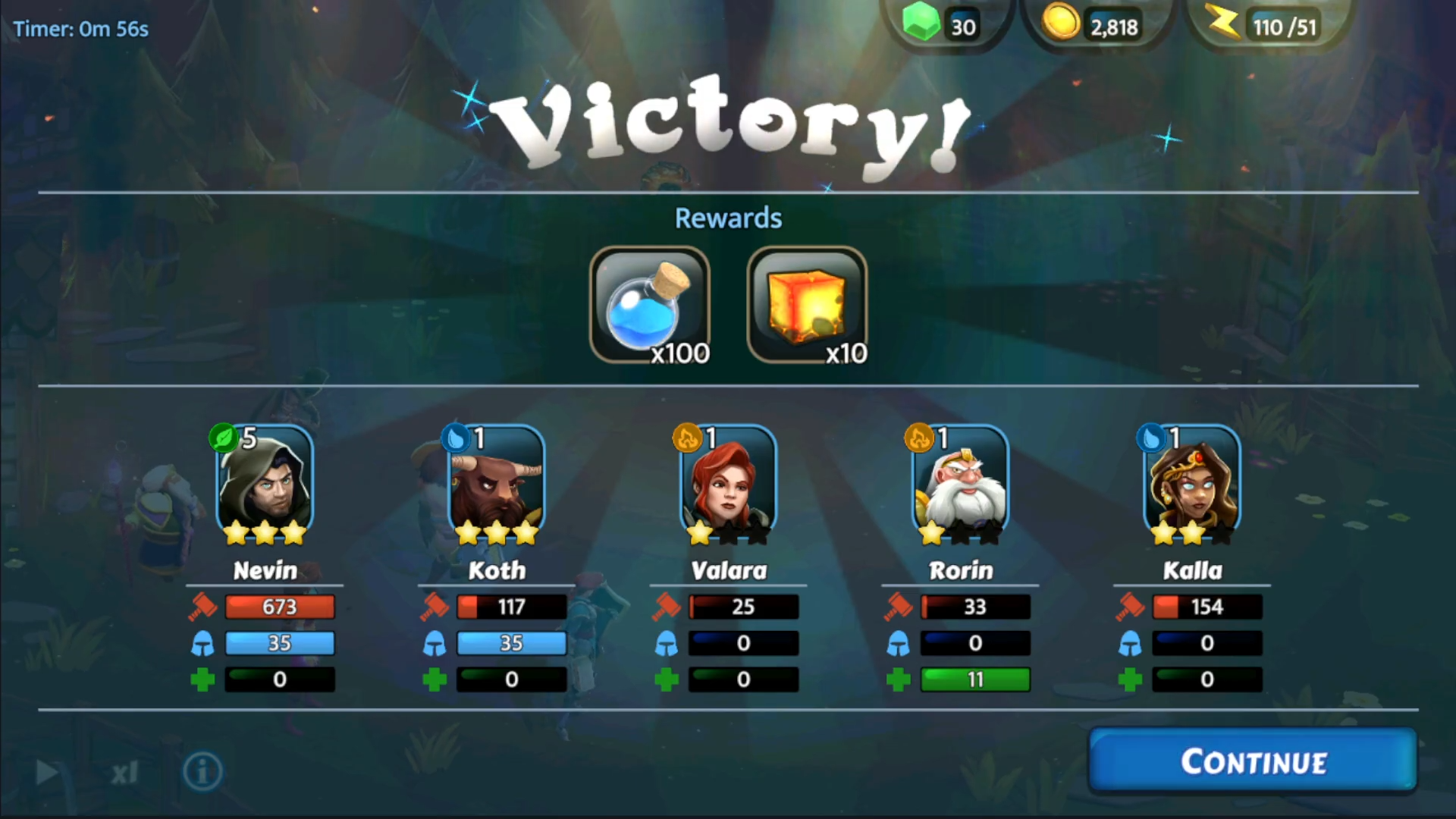
- Victory UI: Implemented post-battle stats popup (damage dealt/taken, healing done) with earned item breakdowns.
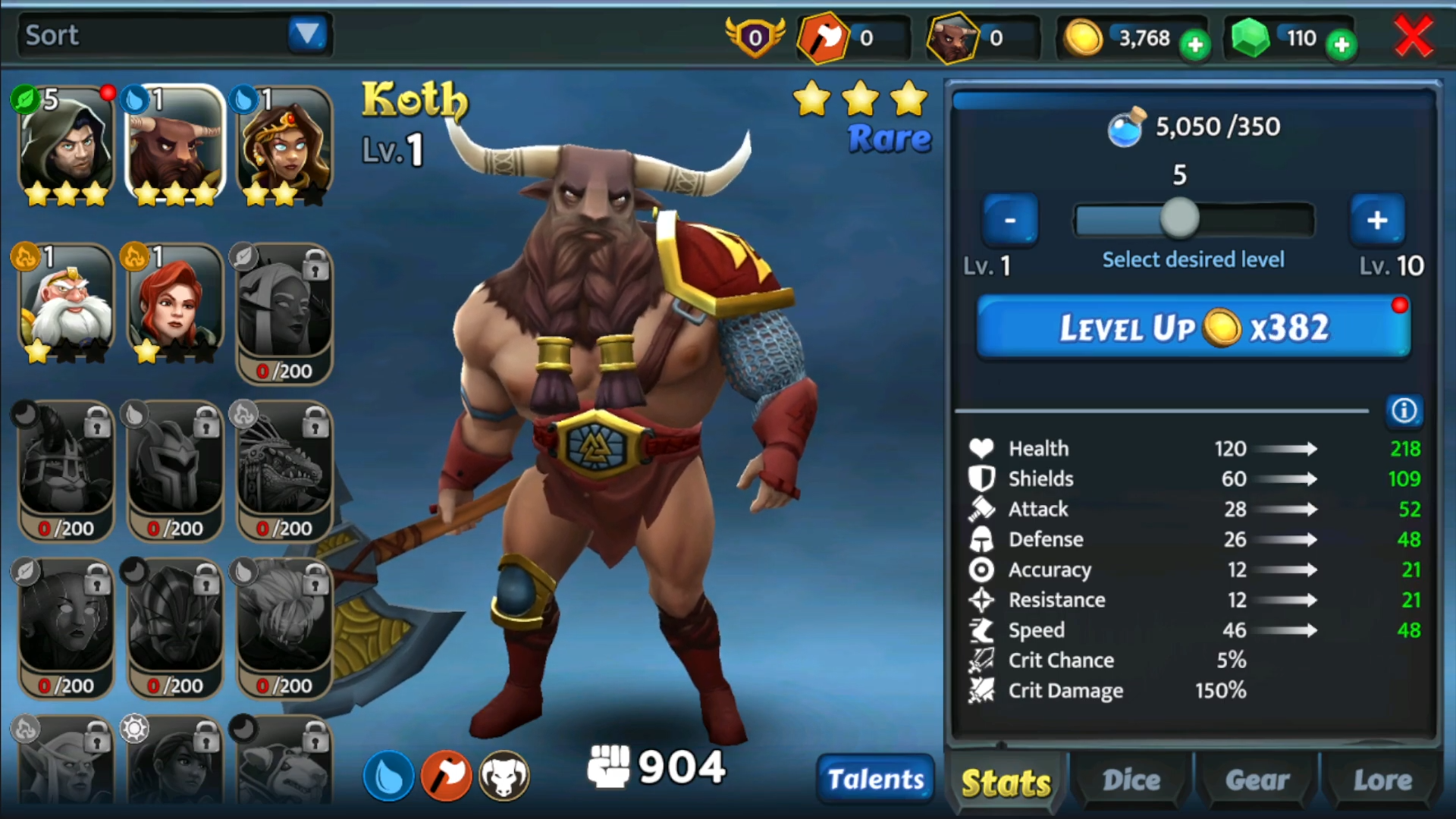
- Leveling Slider: Proposed and delivered bulk leveling UI slider from current+1 to affordable max (e.g. 6-15 or 6-100), with real-time stat change previews on drag.
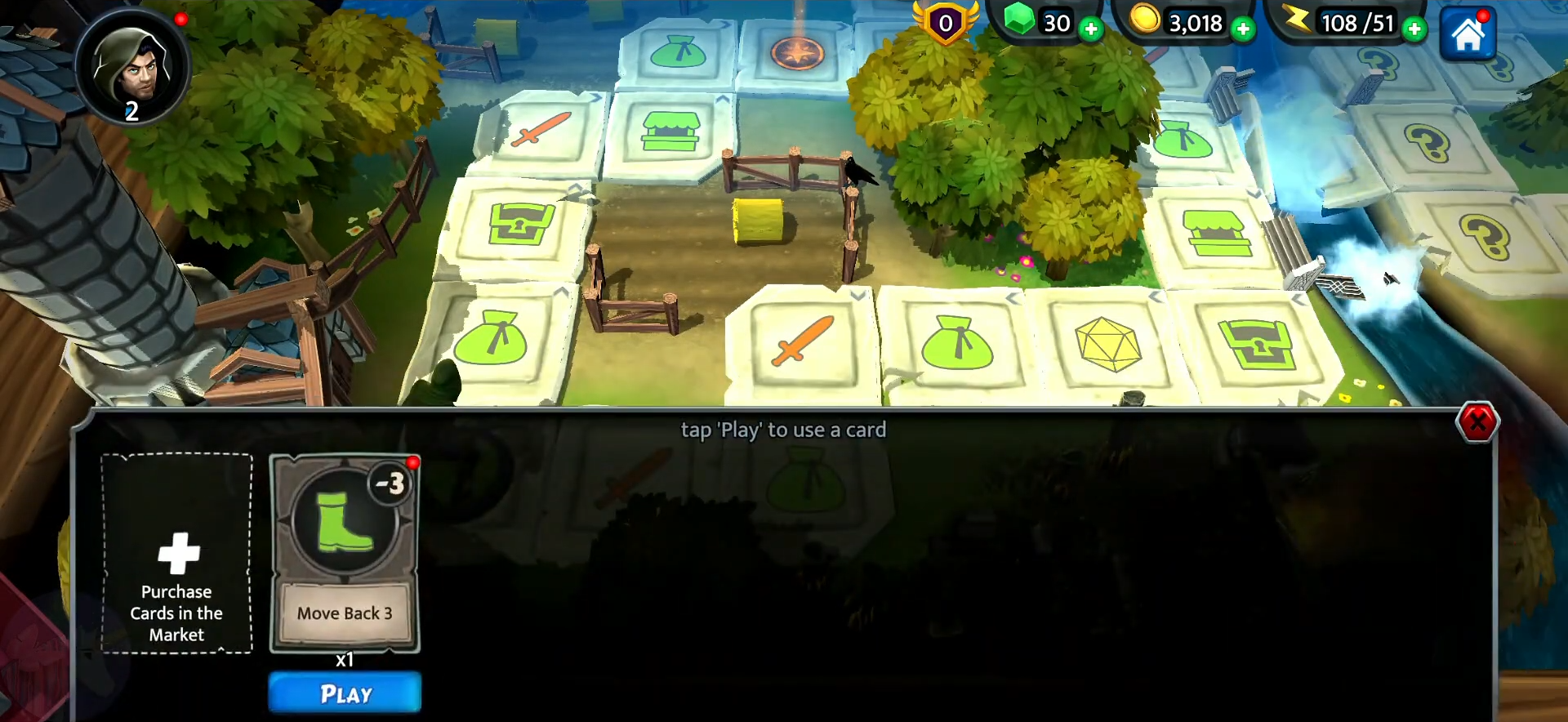
- Cards Tray UI: Created supplemental card system tray alongside dice movement. Supports strategic plays like "move 2 tiles," "move to objective". Finalized simple "Play" button under each card after drag-angle prototype.
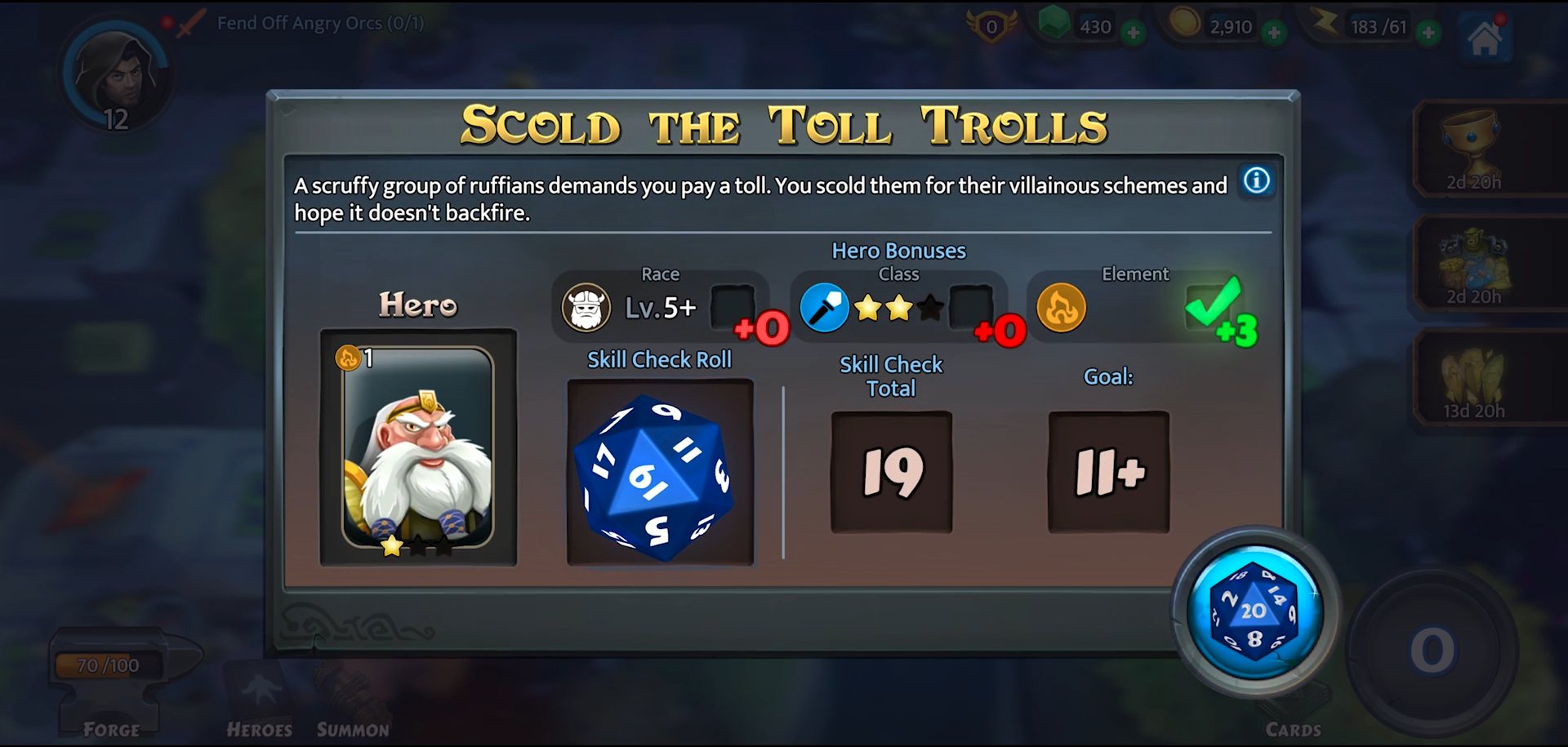
- Dice Tile UI: Designed conditional bonus selector (auto-picks closest match for race/class/element), adding preview points to dice roll for buff/debuff outcomes.
- Data Table Viewer: Built custom Unity editor viewer to import/modify/export datasheets greatly improving development time for designers, artists, and producers.
Challenges
Leveling Slider Redesign
Original one-level-at-a-time progression felt tedious for players with resources for bulk upgrades.
Approach
- Replaced buttons with dynamic slider (min: current+1, max: affordable level via currency calculation).
- Added live stat previews (HP/ATK/etc after upgrade) updating on drag for informed decisions.
Results
- Suggestion adopted immediately. Streamlined player upgrades significantly.
Lessons & Future Improvements
- Could extend to multi-character batch leveling or "optimal build" auto-suggest based on gear/dice synergies.
Cards Play Gesture Prototype
Designers wanted tactile "draw card upward to play" feel, but scrollable tray + drag conflicts risked confusion.
Approach
- Prototyped angle-based detection, calculate drag vector from card origin: steep upward angle = "play", else scroll tray.
- A/B tested with simple per-card "Play" button. Buttons won for reliability, shipped quickly.
Results
- Quick prototype proved upward-drag gesture was technically feasible (angle calc from drag origin worked reliably).
- Testing revealed UX confusion in scrollable tray-players struggled with "steep enough" threshold, validating button as simpler shippable solution.
Lessons & Future Improvements
- Gesture demos accelerate designer buy-in but must include edge-case playtesting early to expose hidden friction.
- Hybrid approach: Default "Play" button (proven reliable), with optional swipe-up gesture unlocked via settings + on-screen angle guide (e.g. glowing arc preview during drag).
Play Demo Video
Project information
- Environment Unity/C#
- Project date 18 Jan, 2022
- Gameplay UI Engineer CJ Kim
- Company WIMO Games