Chess Notation Quiz
About
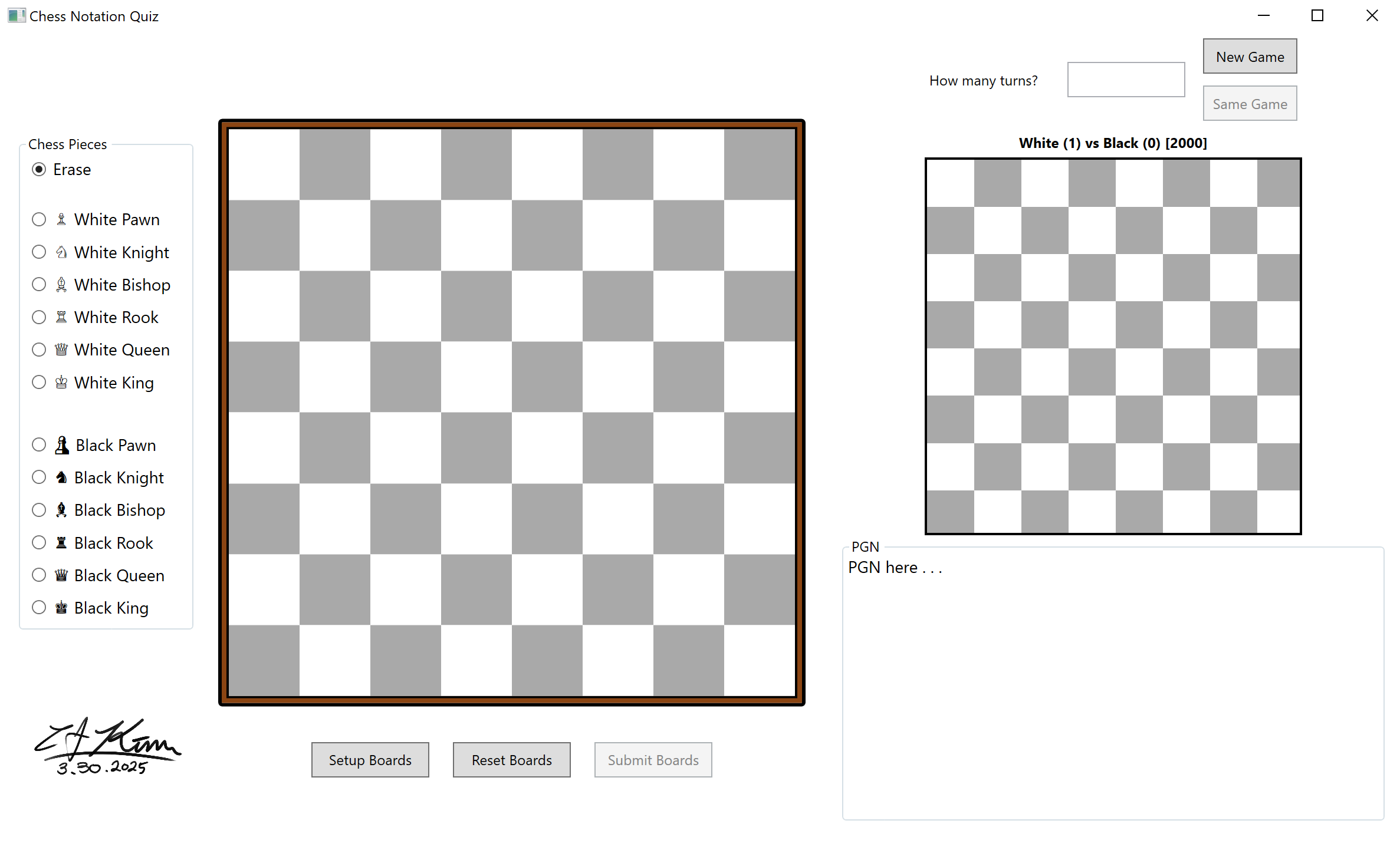
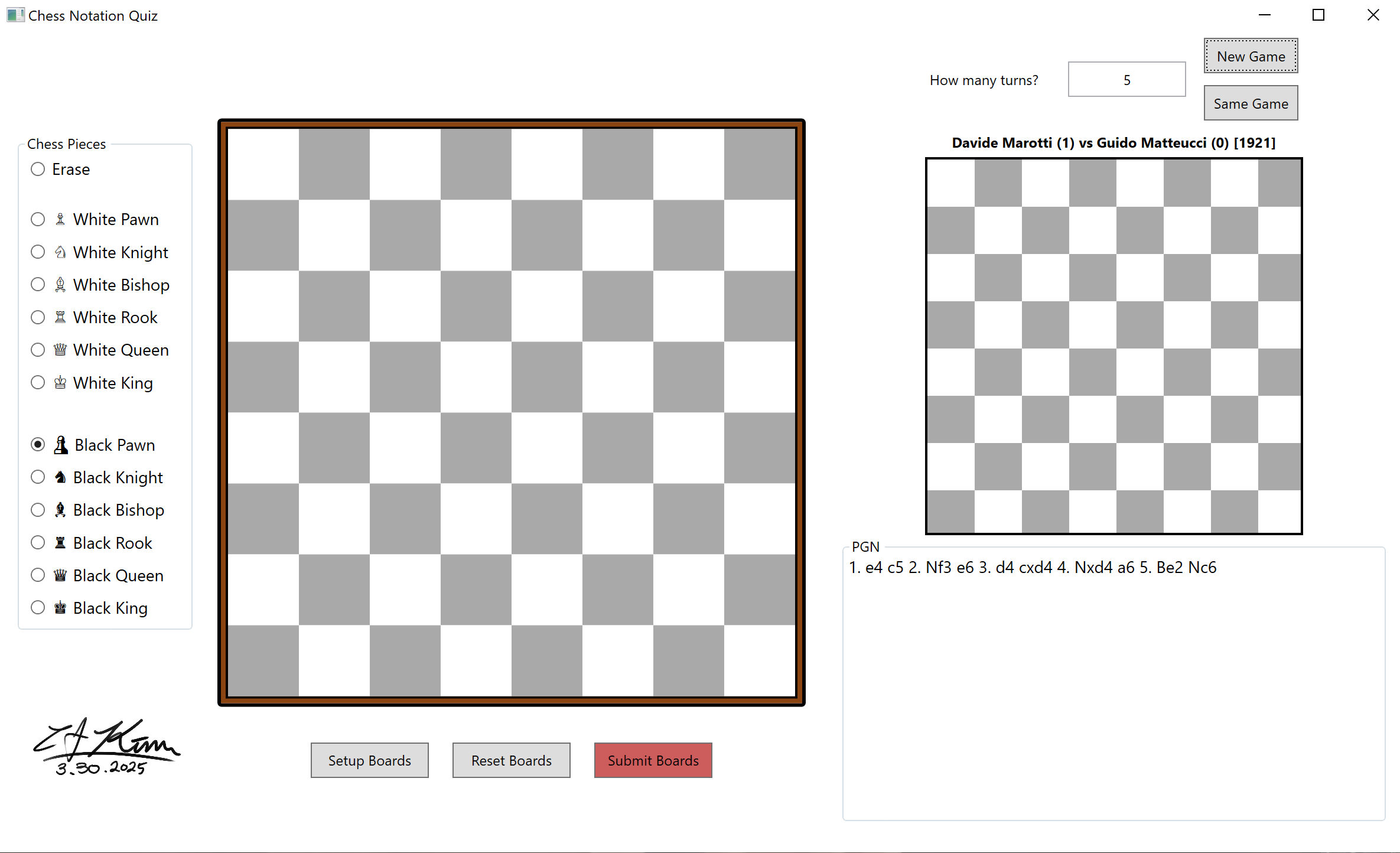
Chess notation visualization quiz pulling live grandmaster games from chessgames.com, built with WPF + stealth Selenium scraper bypassing 2025 anti-bot detection for imagination training.
History
Started playing chess seriously with a colleague and dove into grandmaster books, but struggled visualizing long notation sequences without a board. Wanted to train my spatial imagination to read faster and absorb strategies quicker, so built this game pulling real grandmaster matches from a public chess database instead of random positions.
SubTasks
- UI Flow Using WPF
- Access and Parse HTML
- Bypass JS Check and 403
- ChessDotNet Library for PGN/FEN Notation
Challenges
Stealth Webpage Scraper
Needed random chess game positions from chessgames.com for a personal game feature, but the site used JS auto-redirects plus 2025 anti-bot detection that blocked all automation with 403s and "JavaScript disabled" screens.
Approach
- Started with HttpClient using browser headers, but hit synchronous deadlocks plus no JS execution for the redirect. Tried PuppeteerSharp next but got instant 403 bot detection despite stealth flags.
- Switched to standard Selenium ChromeDriver which technically loaded pages but failed
navigator.webdriverchecks. Added comprehensive stealth with--disable-blink-features=AutomationControlled, excluded automation args, and JS injection to hide the webdriver flag. - Used
ChromeDriverService.HideCommandPromptWindow = trueplus Windows API (ShowWindow(FindWindow("chromedriver"), 0)) to eliminate visible console windows, and addedProcess.Kill()cleanup for zombie Chrome processes. - Instead of arbitrary fixed waits, used
WebDriverWaitchecking URL changes anddocument.readyState == "complete"for proper callback-driven timing.
Lessons & Future Improvements
- Current solution launches fresh Chrome each time (5-6s startup). Next step would be a persistent Chrome profile with
--user-data-diror singleton ChromeDriverService reuse to cut startup to under 2s. - Process killing works but is heavy-handed; could implement PID tracking from ChromeDriver or use a remote WebDriver server for cleaner lifecycle management without manual cleanup.
Concise Rules
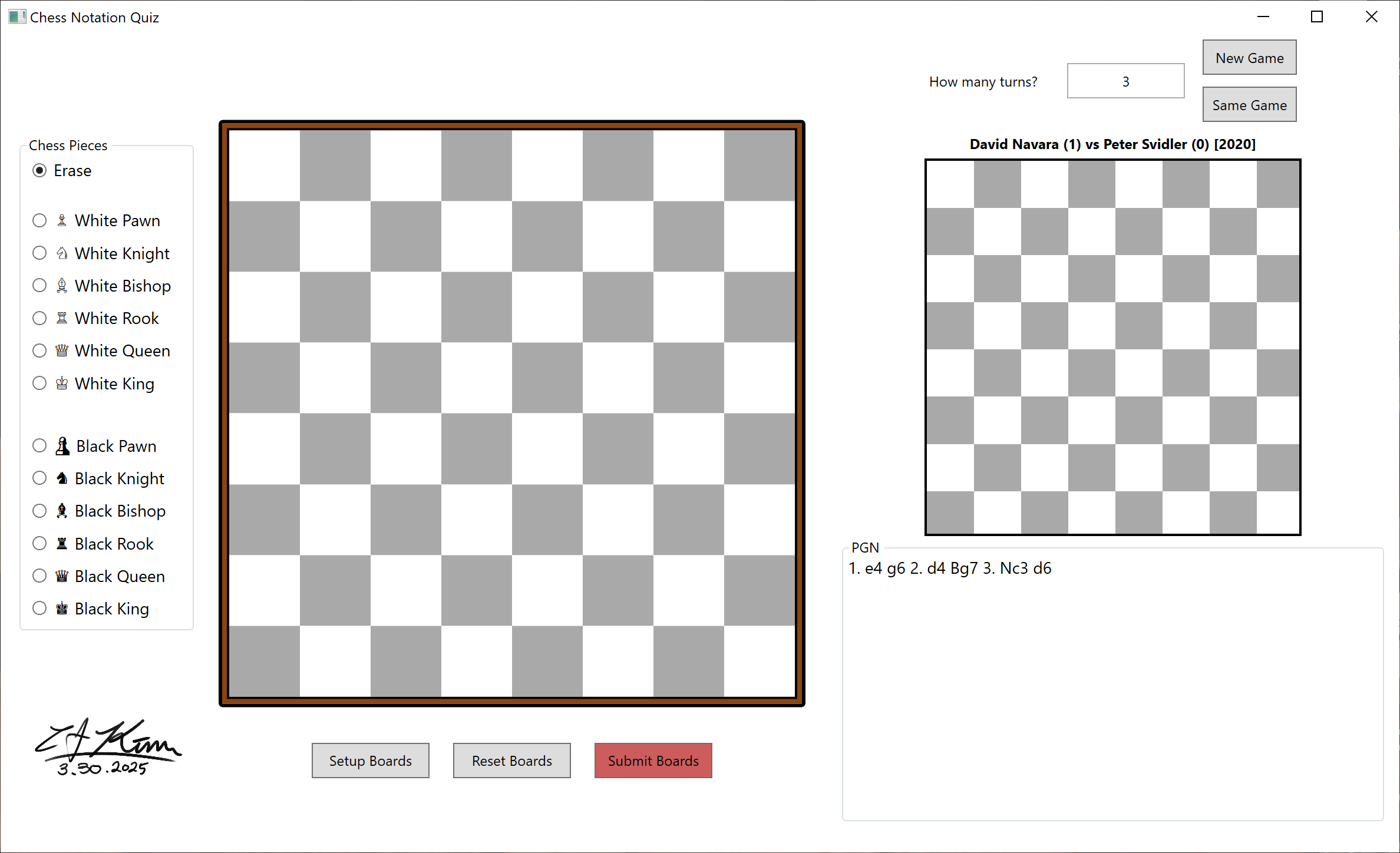
- Decide how many moves you want to test your brain power.
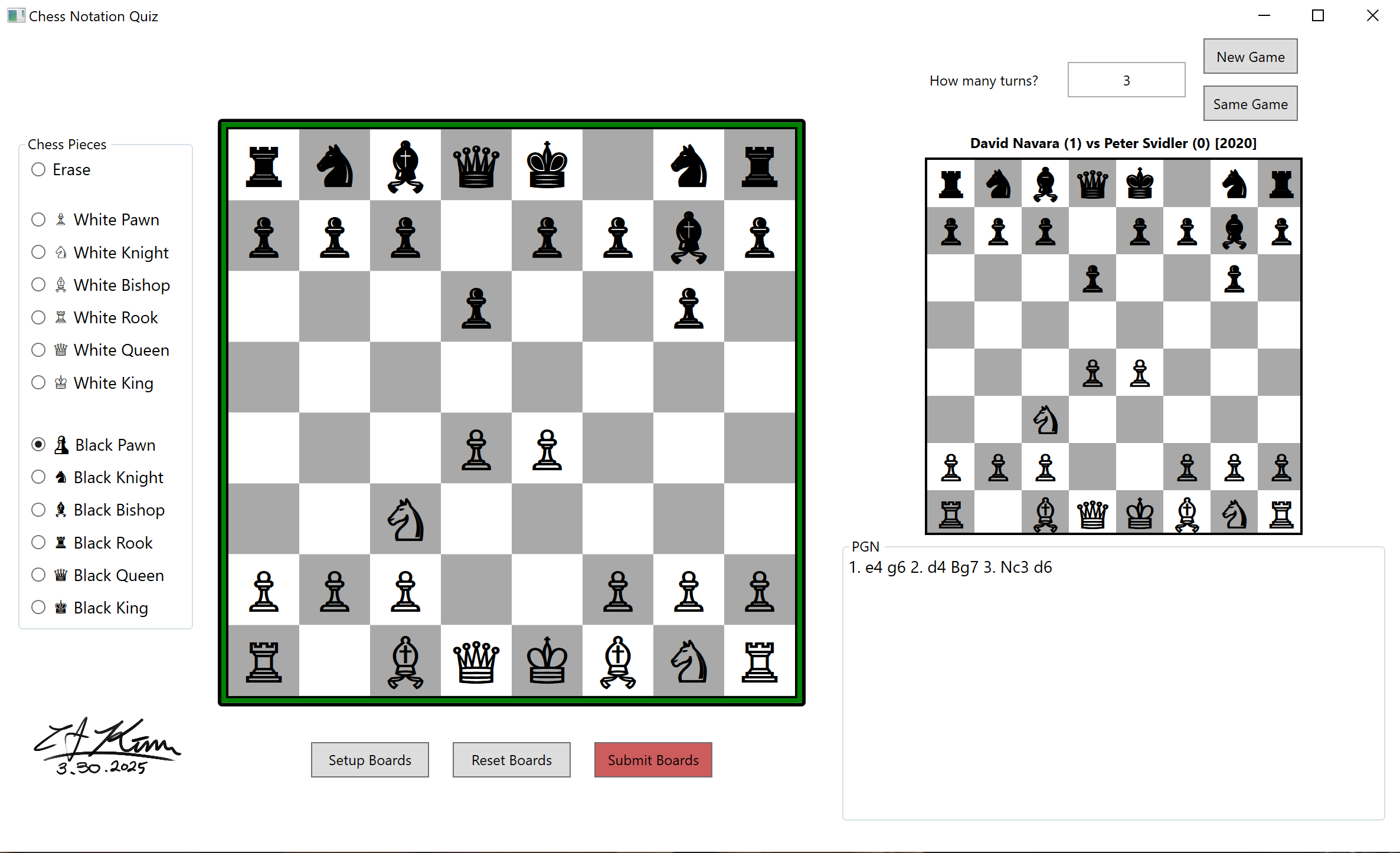
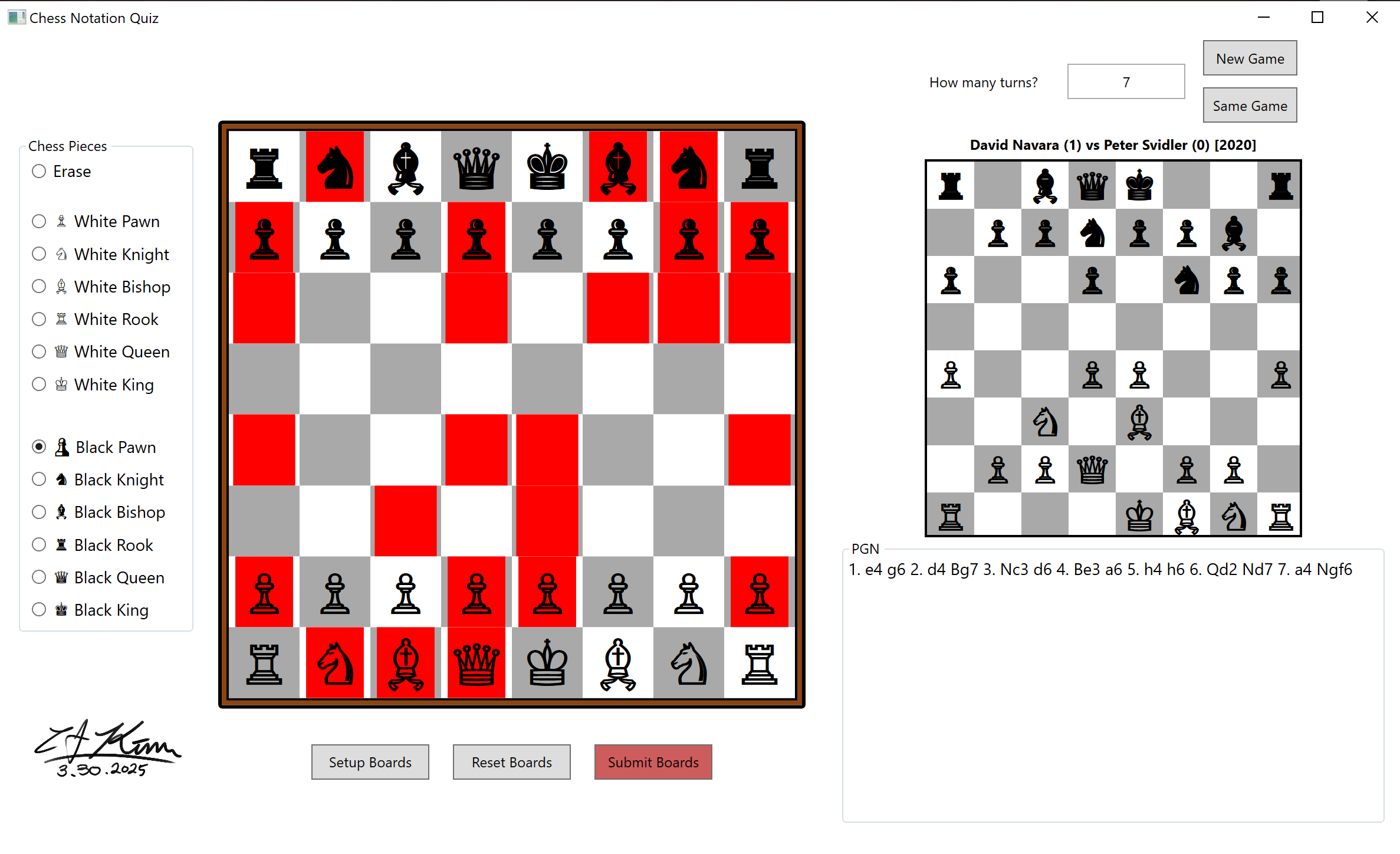
- Make the chess board state the same after making those moves.
- Once you have the solution, hit Submit.
- If you'd like to keep practicing with the same game, you can just change the turn count and hit "Same Game".
Play Demo Video
No audio for this game.
Project information
- Environment WPF and C#
- Project date 30 Mar, 2025
- Game Designer
& Programmer
& QA CJ Kim - Inspired by Chess